
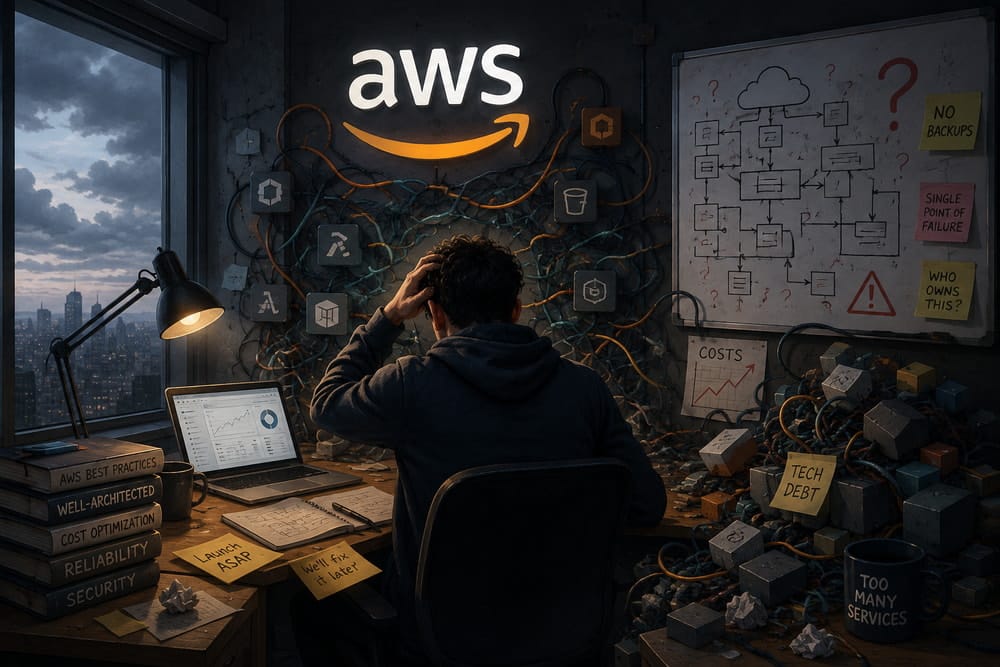
A founder with AWS startup credits and a product ready for launch is in a good position. They have twelve months of free computing power, genuine market momentum and the problem of how to actually run the thing on a platform designed for a much larger scale.
By month six, some of them will have built something solid. Others have built something that works, but which costs two or three times what it should; which depends on one person knowing how to keep it running; or which lacks a backup strategy until a server fails.
I’ve seen enough first-year AWS setups to recognise the patterns. These are the mistakes that show up most often.
No access control from the start
This is the one that causes the most anxiety later on, even though it doesn’t usually result in a catastrophe.
A startup receives AWS credits, opens an account with a single admin key and shares the credentials with anyone who needs to provision something. At startup velocity, this feels efficient. However, at scale, it becomes a security and compliance nightmare, and retroactively fixing it is painful.
The correct approach is to set up IAM roles and users from the outset, even if it takes an additional hour. Each team member gets a user account with just the permissions they need. For example, database engineers don’t have permission to delete everything in S3. Front-end developers don’t have permission to terminate EC2 instances. It’s not paranoia; it’s basic hygiene.
Startups that implement this approach early on never have to have the conversation about how a critical resource was deleted. The ones that don’t eventually have to.
Overprovisioning because instance selection is confusing
AWS offers dozens of instance types. A founder looking at the options for the first time will often choose something that sounds powerful and safe, but which is usually expensive.
I’ve seen start-ups running on t3.large or t3.xlarge instances when t3.micro would handle their traffic with room to spare. The difference in cost per instance is small, but when you’re running three or four of them plus an oversized database, the monthly bill becomes problematic.
The temptation to scale up from the outset is real. If startup credits are paying for it, there’s no immediate financial impact. However, these credits will eventually run out, leaving you with a long-term problem in the form of a bill for oversized infrastructure.
Proper sizing only takes five minutes: find out your actual traffic levels, run on a smaller size for a month, monitor CPU and memory usage, and then size appropriately. Most startups skip this step and pay for it later.
Choosing a database the way you’d choose a programming language
Which database do you prefer: PostgreSQL or MySQL? Managed or self-hosted database? DynamoDB or RDS?
Start-ups often make database decisions based on what they know, what they have used before or what sounds interesting. They don’t base them on the actual requirements. A relational database is chosen by default, even when the data model does not require it. Self-hosting is chosen to avoid vendor lock-in, even though the start-up has no one to maintain it.
The cost and operational differences are significant. For example, a poorly sized RDS can cost two hundred euros a month, whereas the same workload would cost thirty euros on a properly configured smaller instance. A self-hosted database that nobody fully understands becomes a liability that grows every month.
Take two hours to think about your database choice before setting it up. What kind of data are you storing? Do you actually need a relational database? How much data are we talking about? This is one decision that will be much harder to change later.
No backup strategy until something goes wrong
A startup is launched on AWS and everything works well. A month later, a faulty deployment corrupts some data, a misconfigured script deletes a table or a disgruntled employee with database access wipes everything.
Those with backups can restore from the last good backup and lose only a day’s worth of data. Those without backups lose everything and spend the next week arguing about what happened.
Backups need to be set up, configured and tested before they are needed. A backup that has never been restored is a backup you can’t trust. Startups should budget an hour in the first month to set up automated backups to a separate AWS account and test restoring from them. That hour could prevent a catastrophe.
Deploying manually or via FTP in 2026
Startups build features, make changes to the production server directly or upload files via FTP, and hope that nothing breaks. This approach has never been reliable, yet it’s surprising how many early-stage teams still use it.
Each time a feature is deployed manually, the process requires focus and care. Mistakes happen. Versions can differ between staging and production. Documenting what’s actually running where becomes guesswork.
Setting up a basic CI/CD pipeline, even a simple one with GitHub Actions, takes an afternoon and eliminates this class of problems entirely. It’s not optional infrastructure. It’s essential.
Only one person knowing how the infrastructure works
This is a startup with a technical founder who set up the AWS account, configured the servers, set up the database and generally made everything work. This person is invaluable. If they leave, the startup will be in crisis.
Infrastructure needs to be documented. Not because it’s enjoyable, but because the person who built it needs to be replaceable. A two-page runbook detailing how to restart services, where the configuration is stored, the backup process and what needs monitoring can mean the difference between a smooth transition and panic.
The more customised the setup is, the worse this gets. Vanilla AWS managed services are easier to hand over than custom infrastructure. A startup that relies on one person for everything is a startup with a single point of failure.
No monitoring until something breaks
A startup runs smoothly for a few weeks. Then the database fills up, a process stops running silently or the disk becomes full. The team only finds out when the system slows down or stops working altogether.
Basic monitoring only takes an hour to set up: This involves setting up CloudWatch alerts for CPU, memory and disk usage, as well as a simple uptime check and application error tracking. These alerts should be sent to a Slack channel so that the team can be notified when something goes wrong.
A system that fails silently is worse than a system that fails loudly. You want to know about problems before your customers do.
What prevents these mistakes
Most of these problems stem from the same issue: rushing without considering the consequences of not doing so. This is not unique to start-ups, but they feel the time pressure more acutely.
The way to prevent these problems is not to slow down. Rather, it is to have someone who understands these issues set up the infrastructure from the outset and make the right decisions once, rather than repeatedly paying for the wrong ones.
A startup with six months of AWS credits and no technical infrastructure specialist is in a precarious position. The credits enable you to run something expensive and inefficient. When the credits run out, reality sets in.