

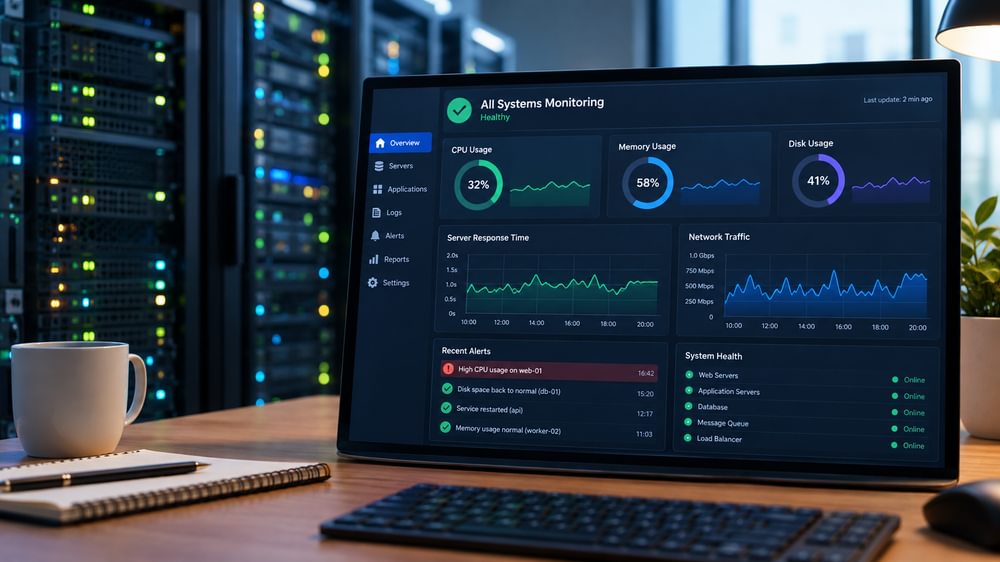
I help look after an old server. More than once, its disk has filled up. Each time, we’ve found out the same way: something stops working, someone notices, and then someone logs in and finds that the disk is at 100 percent.
The fix is never difficult. We just clear some logs and remove some old files, and things come back. What bothers me is that each of those incidents could have been caught days earlier with a check that only takes a few minutes to set up.
This is the usual story with monitoring. The problem is rarely sophisticated. It’s just invisible until it causes an issue.
Why disks fill up
A disk rarely fills up because of one big event. It fills up slowly, which is exactly why nobody notices.
Log files that nobody rotates. Backups pile up in a local folder. There are uploaded files, temporary files, old Docker images, and a database that grows a little every week. Each one is harmless for months. Then, when the last few percent disappear, the server stops being able to write anything. This usually looks like an application crash, a failed backup, or a database that won’t start.
Disk space usage is also one of the few things that most cloud servers don’t report by default. For example, on a standard EC2 instance, you need to install an extra agent before disk and memory usage show up in your metrics. If nobody has done that, nothing is watching.
The minimum setup that would have caught it
You don’t need a full monitoring stack for a small server. All you need is a few checks to cover the actual failures.
Set up disk usage alerts at two levels. One warning should be set at 80 percent, and a louder one at 90 percent. The first warning is the important one. It gives you days or weeks to act, not minutes. If possible, also set an alert for trends, such as “this disk will be full in ten days,” rather than just the current number.
Use an outside check to ensure the service is reachable. Use a simple uptime monitor that requests your site or API every few minutes from outside your network and notifies you when it fails. Many hosted services have free tiers that cover a small number of checks. Uptime Kuma is a good self-hosted option.
Set up a heartbeat for your scheduled jobs. Backups and cron jobs fail silently. A reliable pattern is to have the job ping a monitoring service when it succeeds and send an alert if the ping doesn’t arrive. Healthchecks.io works this way and is simple to set up. It would have also caught the backup problems I described in my post on backups.
Certificate expiry: An expired SSL certificate can take a site down as completely as a crashed server. Most uptime tools can warn you a couple of weeks in advance.
Memory and CPU graphs are useful. For a small server, the four checks above prevent more real outages.
Where alerts should go
An unseen alert is worthless, and an alert that fires all day teaches everyone to ignore it.
Send alerts to a place where a real person will see them, such as a chat channel or an email address that is actually read. Agree on who will respond. Keep the number of alerts small and set a threshold for each one that indicates “someone should act.” If an alert is fired off daily and always ignored, either address the underlying issue or remove the alert.
What it costs
Setting this up for one server typically takes one to three hours and includes disk and heartbeat checks, an external uptime monitor, and alert routing. The tools themselves are free or cost a few dollars a month at this scale.
A multi-server environment takes longer, mainly due to the time required to determine what is important on each machine. This is usually the right time to discuss a proper setup with dashboards and history.
Compare that with the time it takes to diagnose an outage on a system people depend on under pressure. Monitoring is one of the cheapest forms of infrastructure insurance.
What monitoring won’t do
Monitoring only tells you that something is wrong. However, it doesn’t fix the cause. For example, an alert indicating that the disk is 85 percent full still requires someone to determine the reason, and that person needs time.
Alerts also don’t replace maintenance. A server with a recurring problem and good alerts is still an old server with a recurring problem. Alerts buy you time and remove the element of surprise. Whether to continue patching the system or replace it is a separate decision.
Questions worth asking about your own servers
- Who would find out first if a disk filled up tonight, and how?
- Would we receive a warning before or after a problem occurs?
- Would we know if last night’s backup failed silently?
- When does our SSL certificate expire, and will anyone be notified?
- Where do alerts go, and does someone read them?
If the honest answer to several of these questions is “We’d hear about it from a user,” then that’s where we should start.
get in touch. I reply within 24 hours.