
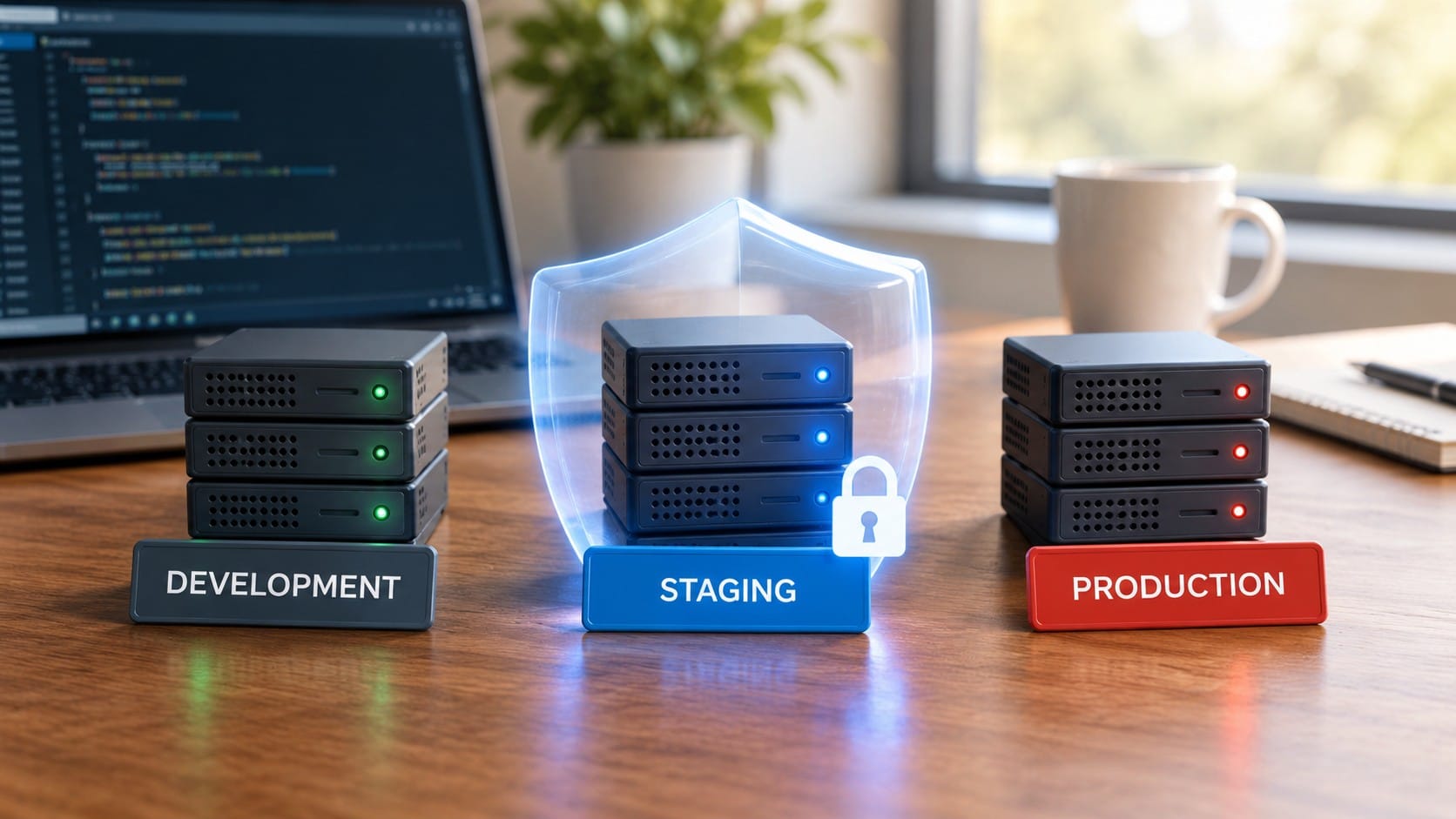
The plugin update went live on Friday afternoon. It had worked on the developer’s laptop. Twenty minutes later, the checkout page starts throwing errors, and the team begins fixing them on the live site while customers watch.
I’ve seen some version of this many times. The cause is almost never a bad developer. The problem is that the first place the change encountered real conditions was production.
A staging environment is the solution, and it’s one of the most cost-effective infrastructure solutions. However, most small teams still don’t have one.
What staging actually is
Staging is a copy of your live system where changes are tested first. It runs on a similar server with the same software and configuration, but it isn’t connected to your real customers.
It is not your laptop. Laptops have different operating systems and versions of software, and none of the real integrations. The phrase “It works on my machine” is what staging exists to replace.
What it catches
Staging proves its worth by identifying problems that a laptop can’t detect.
- Configuration differences. For example, a setting that exists on the live server and nowhere else.
- Database migrations. It also detects changes that run fine on ten rows but lock up on ten million.
- Updates. A new plugin, framework version, or dependency that conflicts with something already installed.
- Integrations. Payment, email, and login flows behave differently outside of a developer’s test setup.
- Performance: A page that loads quickly with test data but slowly with real data.
None of these issues are unusual. These are everyday ways a deployment goes wrong, and each issue is inexpensive to identify on a staging server but costly to identify in front of customers.
What it costs
It’s less than most people expect. These are my usual price ranges, which vary by setup.
WordPress sites, for example. Many managed hosting plans include one-click staging at no extra charge. If yours doesn’t, a second small hosting account or a small VPS typically costs between €5 and €15 a month.
Applications on a VPS: A second small server running the same stack, often with Docker Compose, costs about €5 to €20 per month. The initial setup takes two to six hours, mostly spent getting the configuration to match.
Cloud setups: A scaled-down copy of your environment usually costs $20 to $80 per month. You can lower this cost by shutting it down outside of working hours.
Compare that cost with the cost of one live incident, which includes lost sales, staff time, and the loss of customer trust when they see errors.
The mistakes that make staging useless
It doesn’t match production. If the staging environment uses different software versions or a different database, changes that fail in production will pass. Keep the two identical and build both from the same configuration.
It uses real customer data. While copying the live database is an easy way to obtain realistic data, it stores personal information in a less secure location and can send test emails to real customers. Use an anonymized copy and either block outgoing emails or send them to a sandbox.
The staging site is open to the world. A publicly reachable staging site can be indexed by search engines or probed by attackers. Password-protect it or restrict access by IP address, and block indexing.
Nobody keeps it current. A staging environment that lags behind production by months can create a false sense of security. Refresh it regularly.
When you can skip it
Not every website needs one. For example, a small, static brochure site that changes a few times a year and is hosted somewhere that lets you instantly roll back can reasonably go without one. The same goes for a one-person project where an outage doesn’t cost anything.
However, the moment the site takes payments, holds customer data, or loses money when it’s down, the answer changes.
Questions worth asking
- Where does the change run for the first time?
- Can we try this update without risking anything for real customers?
- Does the staging environment use the same versions and configuration as the live environment?
- Does it contain real customer data and send real emails?
- Who is responsible for keeping it current?
If the answer to the first question is “on the live site,” then that is where we should start.
your live system, get in touch. I reply within 24 hours.