
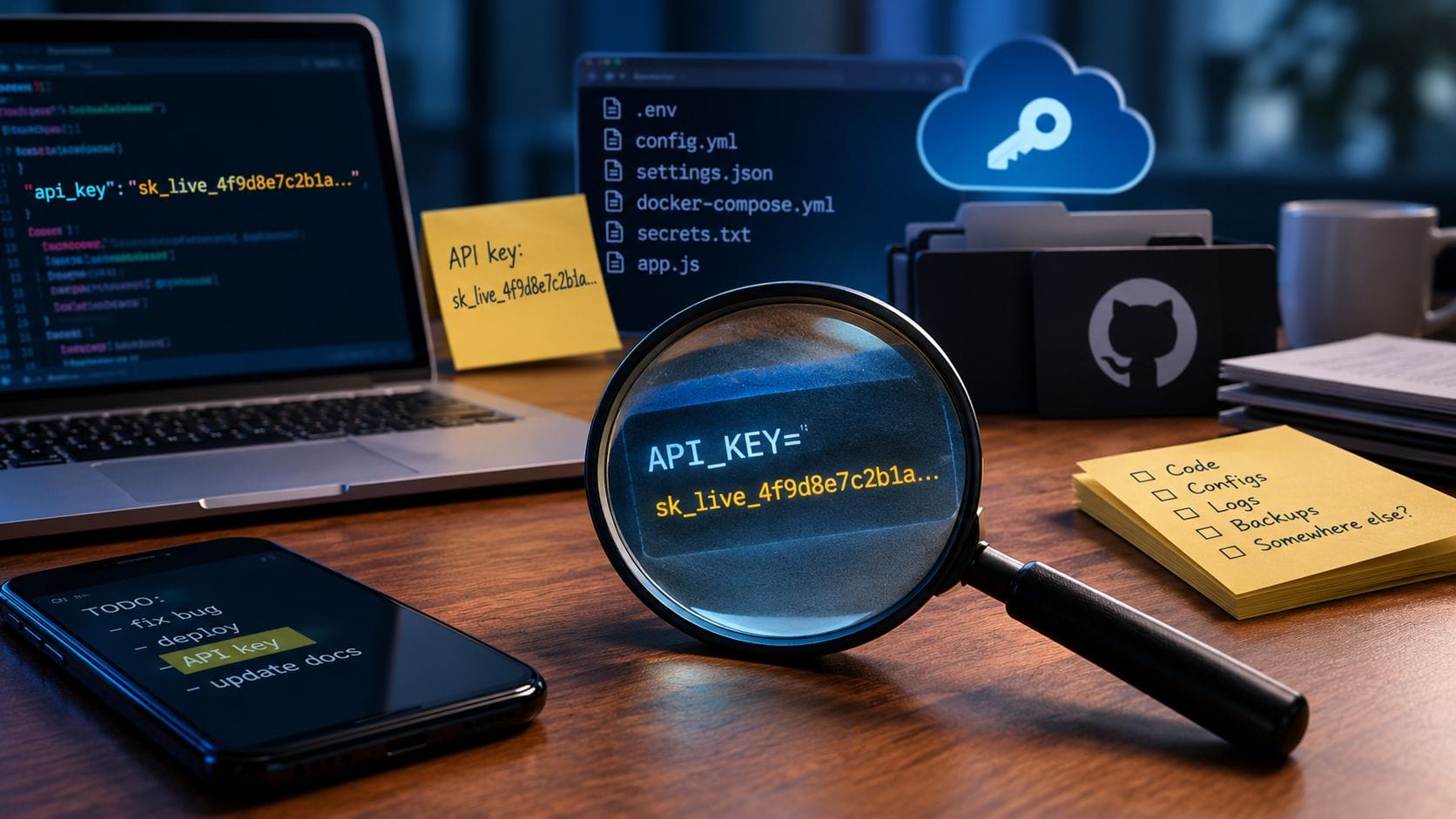
No one plans to leak an API key. It happens because a key is the fastest way to get something working, and the promise to “clean it up later” is rarely kept.
A key is pasted into a configuration file to test something. Then, it ends up in a chat message so a colleague can try it. Then, it lands in a commit, and the commit stays in the history long after the file is fixed. Months later, no one remembers it exists except whoever finds it first.
That person is usually not a colleague.
Where keys usually end up
The same places come up again and again when I go looking.
Code repositories. It’s the most obvious and persistent one. Deleting a key from a file doesn’t remove it from the history. Anyone who can access the repository can view every old version of every file.
Environment and backup files. Examples include a .env file or a copy of a config file saved as .bak or .old in a folder that the web server can access. On a WordPress site, it’s often an old copy of wp-config.php. If the file is served, so are the passwords inside it.
Chat, email, and shared documents. Keys that have been pasted into Slack, sent in an email, or saved in a shared document called “Passwords.” These are convenient and effectively permanent, and they’re visible to everyone who has ever had access:
Tickets and screenshots. For example, a screenshot of a settings page with a key in the corner attached to a support ticket that dozens of people can access.
Build logs and container images. A key passed into a build can be printed in the logs or baked into a Docker image, which is then pushed to a shared location.
Old servers and laptops. Leftover keys on machines that nobody uses anymore with credentials that still work.
Front-end code. Every user downloads JavaScript and mobile apps. Any secret key placed there becomes public, regardless of the intention.
AI coding tools are another reader of your files. An agent working in a folder can see its contents. In fact, an agent found a stray token and deleted a production database this way.
Why it matters so quickly
Unlike browsers, attackers scan. Automated tools constantly monitor public code hosts for credentials. Security researchers who tested this strategy by posting fake keys found that exposed cloud keys were discovered and used within minutes on GitHub and similar sites and within hours or days on others.
The usual outcomes are expensive and unglamorous. For example, someone could run cryptocurrency mining on your cloud account, and you would receive the bill. Someone sends spam or phishing emails from your domain. Someone downloads the data the key was protecting.
A key doesn’t need to be in a public repository to cause harm. A public leak is just the fastest to be found.
How to look for them
The initial sweep doesn’t require paid tools. For a small team, it typically takes one to three hours.
Scan your repositories, including their history. Gitleaks and TruffleHog are free, open-source scanners that search every commit for things that resemble keys. TruffleHog can also determine if a found key is still active, helping you prioritize.
Check what your host already provides. GitHub’s secret scanning is enabled by default for public repositories. For private repositories, it is a paid feature, so check what your plan includes.
Look at what the web server serves. Ask for a report of common mistakes on your site, such as /.env, /.git/config, and backup copies of config files. If any respond, fix them today.
Search your chat and documents. Look for words like “key,” “token,” “password,” and “secret.” It’s tedious but effective.
Review your cloud account. AWS can generate a credential report showing every access key, its age, and when it was last used. Old or unused keys are the ones that nobody will miss and that nobody is watching.
What to do when you find one
First, rotate; second, investigate. Replace the key and disable the old one immediately. Then, check the logs for any unfamiliar usage.
Removing the key from the file or rewriting the repository history does not fix the issue. Assume that anything exposed was copied and treat the old key as compromised.
Plan for the rotation to break something. The old key is probably used in more places than anyone remembers. This is another reason to find out before an incident forces your hand.
Keeping them out afterwards
- Store secrets properly: in your cloud provider’s secrets service or, at a minimum, in environment variables injected at deployment time that are never committed.
- Use a pre-commit scan to catch a key before it enters the history.
- Assign each key to one purpose, one environment, and only the necessary permissions to limit the impact of a potential leak.
- Use short-lived credentials instead of keys that live forever.
- Set up billing alerts so that a stolen key shows up as a warning rather than as an unexpected invoice.
- Never paste secrets into chat. Instead, share them through a password manager or a secrets tool.
At a small scale, these tools are free or cost a few dollars a month. The real cost is the habit.
What scanning won’t do
Scanners detect items that resemble known key formats. A password that the team created and entered into a spreadsheet will not trigger anything. Scanning is a useful tool, but it’s not foolproof, which is why habits matter more than tools.
Questions worth asking
- Do we know where every key for our main systems is stored?
- Has anyone ever scanned our repositories, including old commits?
- Could someone access our configuration or backup files by entering a URL?
- If a key were to leak today, could we rotate it without causing any disruptions?
- Would we find out from an alert or an invoice?
If you can’t answer the first question, start there.
get in touch. I reply within 24 hours.